
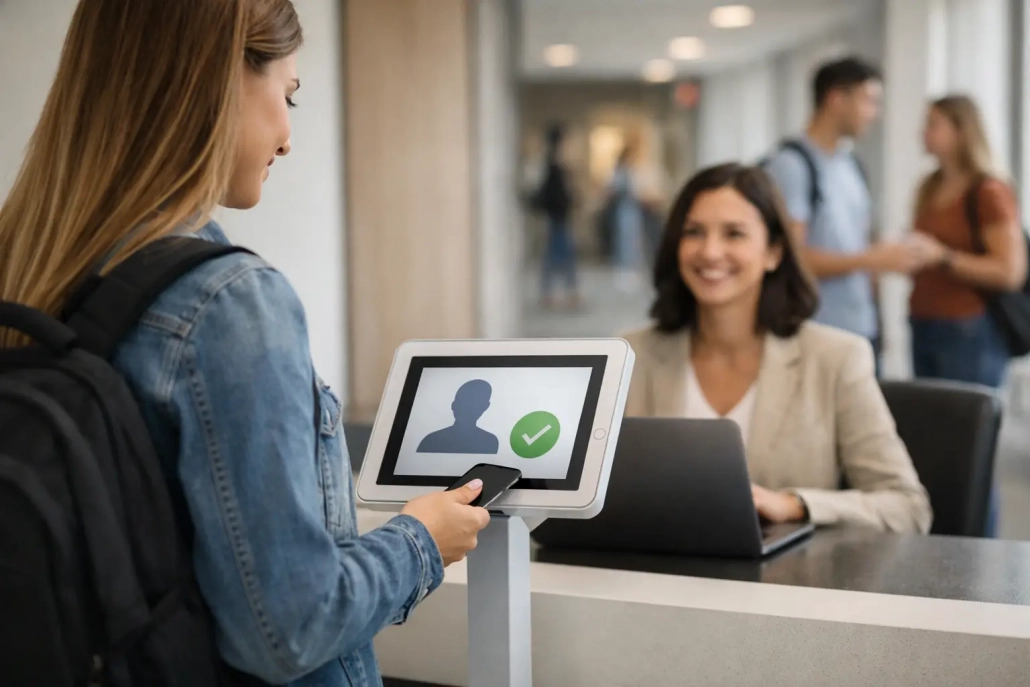
What a Student Check In System Should Do
The front office already knows the pattern. A line forms before first bell, a staff member toggles between paper logs and late slips, and someone inevitably asks whether a student actually made it to class. That daily pressure is exactly why a student check in system matters. It is not just a faster way to record arrivals. It is a practical control point for attendance, safety, communication, and campus accountability.
For K-12 schools, the stakes are higher than convenience. Schools need to know who is on campus, when they arrived, where they were expected to be, and whether that information is accurate enough to support attendance compliance, family communication, and safety response. A check-in process that still depends on clipboards, handwritten passes, or delayed data entry creates gaps that schools feel all day long.
Why schools need a student check in system
Most schools do not struggle because staff are careless. They struggle because manual workflows break down under volume. A middle school may process hundreds of late arrivals in a week. A high school may have students entering through multiple doors, rotating through interventions, leaving for appointments, and returning mid-day. An elementary campus may need tighter parent-facing controls and more direct office oversight.
A strong student check in system brings those moving parts into one process. Instead of asking office staff to manually match names, print slips, update attendance, and notify classrooms, the system captures the event once and pushes that information where it needs to go. That reduces delays, cuts duplicate work, and gives administrators a more reliable record.
The operational impact is immediate. Staff spend less time correcting attendance. Teachers see updated information sooner. Administrators gain cleaner reporting. Families receive more timely notifications when the workflow supports it. Just as important, schools can document student movement in a way that supports accountability rather than guesswork.
What a student check in system should include
Not every platform marketed for attendance solves the real front-office problem. Some tools record a check-in, but they do not connect that event to classroom attendance, SIS reporting, tardy workflows, or parent communication. Others are too limited for district use or too complex for daily school operations.
A student check in system should first make check-ins easy to capture. Barcode scanning, mobile check-in options, kiosks, and staff-assisted workflows all have a place depending on the age of students and the school’s supervision model. The best fit depends on the building. An elementary school may prefer office-controlled scanning, while a large high school may need faster self-service options with staff oversight.
It should also handle the real-world reasons students check in. Late arrivals, early dismissals, nurse returns, counseling visits, testing pull-outs, and after-appointment returns are not fringe cases. They are daily events. If the system treats all of them the same, schools lose context and staff end up creating manual workarounds.
Real-time data matters just as much as capture. If a student checks in but the teacher roster, attendance office, or reporting dashboard does not reflect that event quickly, the process still creates confusion. Good systems update the right users at the right time. That can mean syncing with the student information system, triggering alerts, updating attendance status, or documenting the movement for later review.
Finally, the system needs reporting that administrators can use without a separate cleanup project. School leaders should be able to review late patterns, identify frequent offenders, verify attendance changes, and document compliance with confidence. District leaders need visibility across campuses, not just isolated building-level records.
Safety and accountability are part of the same workflow
Schools often separate attendance from safety, but daily operations do not. A student who is marked absent but walked onto campus is an attendance problem and a safety problem. A student who leaves class repeatedly without a clear trail is a discipline issue, an accountability issue, and sometimes a supervision risk.
That is why the strongest check-in workflows do more than stamp a time. They create a verified record of student presence and movement. In practice, that means administrators can answer basic but critical questions quickly: Who checked in late today? Who returned from an appointment? Who signed out early? Was the student ever accounted for in class?
This level of visibility matters even more during incidents. Schools need accurate campus awareness, not a delayed reconstruction built from paper notes. A student check in system supports that awareness by reducing blind spots during the school day.
There is a trade-off, though. More control is only helpful if the workflow remains usable. If the process creates long entry lines, requires too many staff steps, or frustrates teachers, adoption drops. The best systems balance speed and oversight. They make accountability easier to maintain, not harder to enforce.
The difference between basic tools and scalable systems
A simple check-in app may work for a single small campus with one office entrance and limited traffic. That same setup often struggles in a district environment where schools have different schedules, staffing models, bell structures, and policy requirements.
Scalable systems are built for those differences. They allow schools to standardize core processes while still adjusting for local needs. One campus may focus heavily on tardy reduction. Another may prioritize hall movement and class accountability. A district may need consistent reporting across all schools with SIS integration and centralized oversight.
This is where all-in-one design becomes valuable. When attendance capture, tardy management, student tracking, notifications, and reporting operate together, schools avoid the patchwork approach that causes gaps. Office staff are not re-entering information into separate tools. Administrators are not reconciling conflicting records. Technology teams are not supporting a growing stack of disconnected systems.
For many schools, that difference shows up in practical results. Faster lines in the morning. Fewer attendance corrections. Better parent communication. Cleaner records for audits and intervention meetings. More confidence that the data reflects what actually happened on campus.
Implementation matters as much as features
Even best-in-class software can underperform if rollout is weak. Schools need a student check in system that works in real conditions, with real staff, during the busiest part of the day. That requires more than a feature list.
Successful implementation starts with workflow mapping. How do students arrive now? Where do bottlenecks happen? Who needs visibility into late arrivals or returns? What should trigger a parent message? Which staff members need scanning tools, dashboards, or mobile access? These decisions shape whether the system becomes a daily asset or another layer of friction.
Training also needs to fit the audience. Front office staff want speed and clarity. Teachers need simple visibility. Administrators want control and reporting. District IT teams care about integration, permissions, and long-term support. One-size-fits-all onboarding rarely works in K-12 because the people using the system solve different problems.
Support responsiveness is another factor buyers should weigh seriously. Schools cannot wait days for help when attendance processes are disrupted. They need a partner that can adjust configurations, answer questions, and help refine workflows as needs change across the year.
That is one reason many districts look for providers that understand school operations, not just software deployment. SwipeK12 Solutions, for example, is built around the daily realities of attendance, campus movement, and accountability rather than generic check-in logic.
How to evaluate the right fit for your school or district
The right system depends on your operating model. A single-campus private school may prioritize simplicity and staff control. A large public district may need high-volume scanning, SIS-integrated reporting, and role-based access across multiple campuses. An alternative or turnaround campus may place more emphasis on intervention tracking and real-time accountability.
When evaluating options, focus on whether the system reduces administrative friction while improving visibility. If staff still need paper backups, duplicate entry, or manual reconciliation, the tool may not solve enough of the problem. If it supports real-time workflows, flexible deployment, and clear reporting, it is more likely to deliver measurable value.
It also helps to ask a practical question: will this system still work when traffic spikes, staffing changes, or policy requirements shift? Schools do not need technology that only performs well during demos. They need systems that hold up on late-start days, during testing windows, and in buildings where office teams are already stretched thin.
The strongest student check in system is the one that fits daily school operations without compromise on accountability. When schools get that balance right, attendance becomes easier to manage, student movement becomes easier to verify, and campus teams gain the kind of real-time visibility that supports better decisions every day.
A better school day usually starts with better information at the door.


Leave a Reply
Want to join the discussion?Feel free to contribute!