
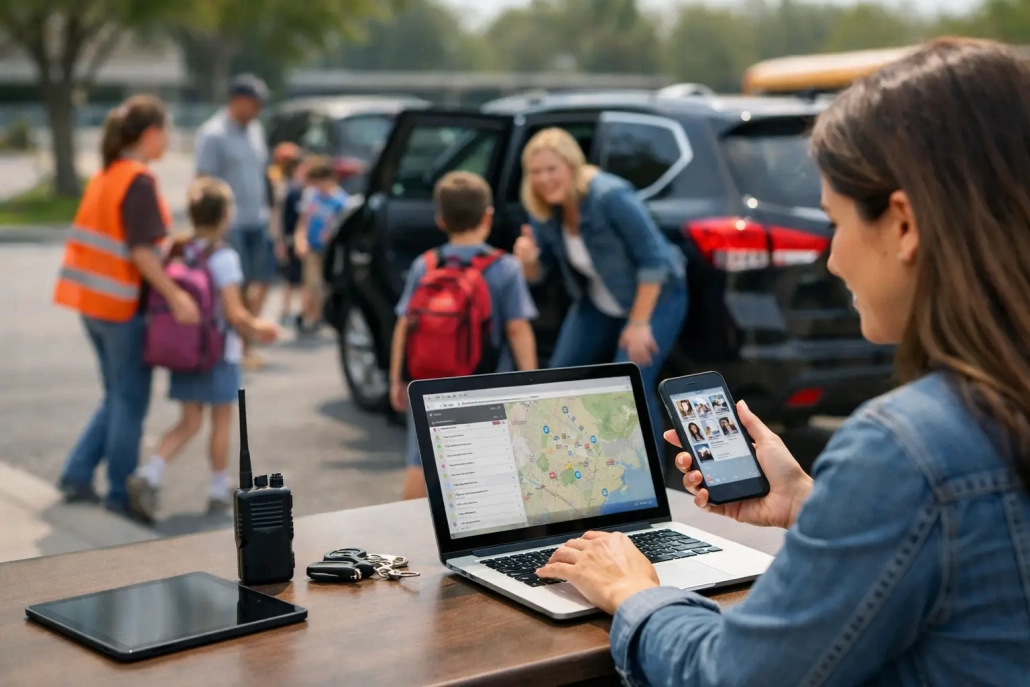
Student Dismissal Management Software That Works
The final bell does not end a school’s responsibility for student accountability. For many K-12 campuses, dismissal is one of the busiest and least visible parts of the day: buses are loading, families are arriving, after-school programs are checking students in, and staff members are answering last-minute questions. Student dismissal management software gives school teams a documented, real-time way to manage those movements without relying on paper lists, radio calls, or memory.
A better dismissal process is not simply about moving the car line faster. It is about confirming where every student is supposed to go, notifying the right staff at the right time, and creating a reliable record of departure. When a parent calls with a question or an administrator needs to investigate a concern, the school should have clear information instead of a stack of handwritten notes.
Why Traditional Dismissal Methods Create Risk
Many schools manage dismissal through a combination of spreadsheets, classroom rosters, colored tags, walkie-talkies, and verbal handoffs. Those methods can work in a small setting with consistent staffing, but they become difficult to control when enrollment grows, routines change, or substitute staff are involved.
The challenge is not that staff members are not working hard. The challenge is that information changes quickly. A student who normally rides Bus 12 may be picked up by a guardian. Another may need to attend tutoring, join an activity, or leave early for an appointment. If that change is communicated in an email, a phone call, and a handwritten note, staff may be left to reconcile conflicting instructions during the most time-sensitive part of the day.
Manual processes also make it harder to answer basic operational questions. Has this student boarded the correct bus? Was this student released to an approved pickup contact? Is a student still waiting in a designated area? Which students were absent, checked out early, or redirected to after-school care? A reliable process makes those answers available while they are still actionable.
What Student Dismissal Management Software Should Do
Effective student dismissal management software should support the full operational workflow, from the final attendance check to the confirmed handoff. It should give administrators control while remaining simple enough for teachers, front office staff, bus supervisors, and safety teams to use during a busy afternoon.
At a minimum, the system should maintain current dismissal assignments and show exceptions immediately. Staff need to see whether a student is assigned to bus, car pickup, walking, an after-school program, or another approved destination. When plans change, authorized personnel should be able to update the record without creating confusion across classrooms and dismissal stations.
Real-time status matters just as much as the original assignment. A system that only stores a plan does not confirm that the plan was carried out. Schools benefit when staff can record that a student has arrived at a staging area, boarded transportation, been picked up, or checked into a program. This creates a live accountability view instead of an end-of-day reconstruction.
The strongest platforms also connect dismissal to the systems schools already use. Integration with a student information system can reduce duplicate data entry and help keep student records, contact details, schedules, and enrollment changes aligned. Barcode scanning, mobile check-ins, or staff-operated scanning stations can make status updates fast and consistent without adding unnecessary steps.
Visibility Must Reach the People Doing the Work
A principal may need a campus-wide dashboard, while a teacher needs a short list of students with dismissal changes. Bus staff need a clear roster for their route. Front office personnel need the ability to verify a pickup request and document an early departure. These roles should not be forced into the same screen or workflow.
Role-based access is a practical requirement. It helps each team see the information needed to perform its responsibility while protecting student records and limiting unnecessary access. For district leaders, centralized reporting also supports consistent expectations across multiple schools without requiring every building to invent its own process.
Family Communication Should Support, Not Complicate, Operations
Family notifications can reduce uncertainty when they are connected to actual dismissal events. A message confirming that a student has been checked into an after-school program, for example, can provide reassurance and reduce inbound calls. The same principle applies to approved changes in dismissal plans.
However, notifications should be purposeful. Sending messages for every minor status change can create noise for families and extra work for staff. Each school should decide which events warrant communication based on its transportation model, parent expectations, and staffing capacity.
How to Build a Better Dismissal Workflow
The best technology supports a well-defined process. Before selecting or expanding a platform, school leaders should map what happens from the last instructional period through the final student departure. Include classrooms, staging areas, transportation, parent pickup zones, after-school programs, front office procedures, and any location where students may wait.
Start by identifying the moments where accountability breaks down. Perhaps teachers receive late changes after they have already released students. Maybe bus staff cannot easily identify students who were redirected to another destination. Or the front office may spend too much time calling classrooms to locate students during early pickup. These are the points where automation and real-time updates can make an immediate difference.
Then establish a single source of truth for dismissal assignments. A school may still use visual cues or designated waiting zones, but staff should know where to verify the current plan. Changes must follow an approved process, especially when they affect transportation or authorized pickup. This protects students and prevents staff from making decisions based on informal messages.
A practical rollout should include these four operating decisions:
- Define who can create, approve, and communicate dismissal changes.
- Set cutoff times for same-day changes and a clear exception process for emergencies.
- Assign scanning or confirmation responsibilities at each departure point.
- Train every role on what to do when the system information does not match the student’s stated plan.
These decisions are more valuable than a lengthy technology checklist because they turn the platform into an accountable daily routine. Schools should test the workflow with a small group of staff, review where delays occur, and adjust before expanding campus-wide.
Selecting Software for Your School or District
The right solution depends on the complexity of the dismissal environment. A single elementary school with a consistent car line may prioritize simple mobile access and parent pickup verification. A large district may need SIS integration, configurable workflows, district-level reporting, and support for multiple transportation and program models.
Look for a platform that can adapt to the way your schools operate without forcing every campus into an identical process. Standardization is valuable for reporting and training, but a middle school bus loop, an elementary car line, and a high school activity schedule do not function the same way. Configurable rules, user permissions, and reporting fields help districts maintain control while accommodating real operational differences.
Implementation support should be part of the evaluation. Even capable software will underperform if staff members do not understand who owns each step, how data will be maintained, or what to do when a device is unavailable. Ask prospective providers how they support training, configuration, system integration, and ongoing changes after launch.
Schools should also consider whether dismissal is being treated as an isolated need. Attendance, early checkouts, hall movement, visitor monitoring, screening, and family communication all affect campus accountability. An all-in-one approach can reduce disconnected workflows and give leaders a more complete view of who is on campus and where students are expected to be.
The Operational Impact of Real-Time Dismissal Accountability
When dismissal information is current and accessible, staff spend less time chasing answers and more time supervising students. Teachers can focus on a clear set of end-of-day instructions. Front office teams can respond to families with confidence. Administrators can see exceptions before they become unresolved issues, rather than discovering them after a complaint or incident.
The documentation matters, too. A timestamped record of dismissal changes and confirmed departures supports internal review, parent communication, and district accountability. It also helps leaders identify recurring bottlenecks, such as a route that consistently loads late or a pickup area that needs more supervision.
SwipeK12 Solutions helps schools bring attendance, student movement, notifications, and accountability into one operational platform. For dismissal teams, that means practical tools designed around what staff need during the final, fast-moving minutes of the school day.
A strong dismissal process gives students a safer, more predictable transition from school to home, transportation, or after-school care. The goal is not to add another screen to a staff member’s day. It is to make sure every student’s departure is visible, verified, and handled with the same care as their arrival.


Leave a Reply
Want to join the discussion?Feel free to contribute!