
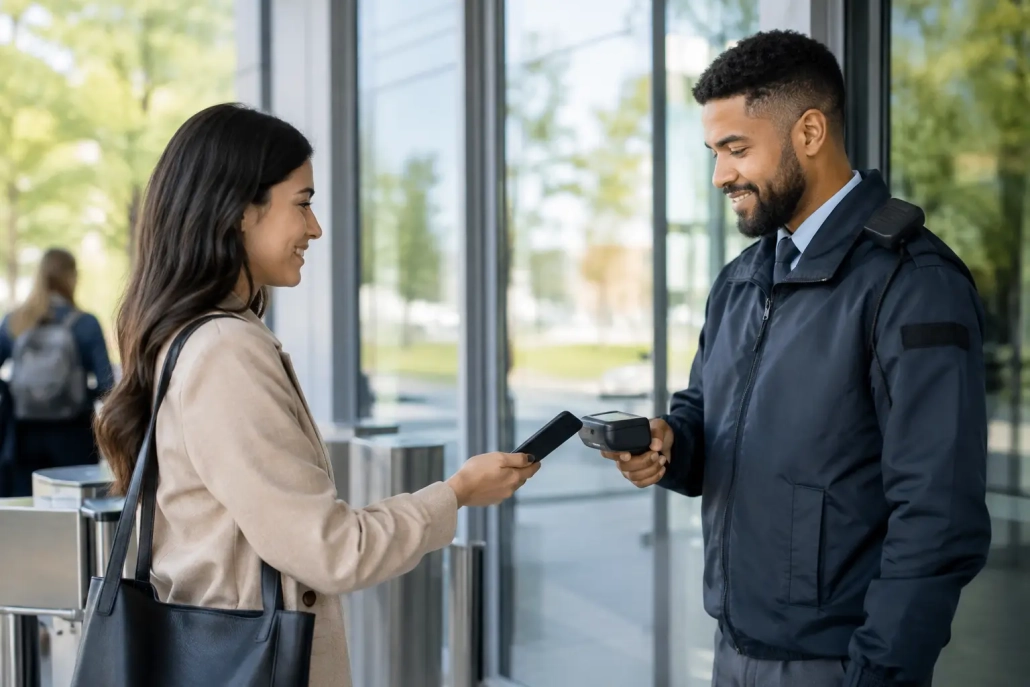
How to Verify Campus Visitors Without Delays
A visitor arriving at 10:15 a.m. may be a parent meeting with a counselor, a contractor repairing equipment, a volunteer, or someone with no approved reason to enter. The front office has to make that distinction quickly, accurately, and without creating a line that pulls staff away from students. Knowing how to verify campus visitors is not just a front-desk procedure. It is a core part of campus accountability.
A strong visitor verification process gives school leaders a real-time answer to a basic safety question: who is on campus right now, why are they here, and where are they authorized to go? When the process is consistent, schools can protect instructional time, document activity, and help staff respond with confidence.
Start With a Clear Visitor Verification Standard
Visitor verification works best when every building follows the same minimum standard. A parent should not receive a different experience because one staff member is covering the office, a substitute is working the reception desk, or a busy morning changes the routine.
At a minimum, schools should require visitors to present a valid government-issued photo ID, state their purpose for visiting, identify the staff member or student they are seeing, and check in before moving beyond the office. That information should be recorded in a system that staff can access when needed. Handwritten logs may seem simple, but they are difficult to search, easy to misread, and rarely provide real-time visibility.
The standard should also define who counts as a visitor. Parents, guardians, volunteers, vendors, contractors, delivery personnel, guest speakers, district staff, and prospective families may all require different permissions. A delivery driver dropping off a package does not need the same access as a volunteer attending a classroom event. Verification should be consistent, while access should match the purpose of the visit.
Verify Identity Before Granting Access
Checking an ID is the first step, not the whole process. Office staff should compare the ID photograph with the person at the desk, confirm the name provided, and document the visit electronically. If the visitor is picking up a student or attending a meeting involving student records, staff should also follow the school’s authorized-contact and custody procedures.
For schools that screen visitors against relevant safety databases or internal restrictions, the check must occur before a badge is issued or access is granted. Staff need a clear escalation procedure for a flagged record, an expired ID, a name mismatch, or a visitor who cannot explain the purpose of the visit. The goal is not to make assumptions at the counter. It is to pause access, notify the designated administrator or safety lead, and document the outcome.
Privacy matters here. A front-office team should never announce sensitive screening results in a lobby or discuss a visitor’s personal information within earshot of students and families. Train staff to use neutral language, such as asking the person to wait while the office confirms visit details.
How to Verify Campus Visitors at Every Entry Point
A visitor process is only effective when visitors use it. That means schools need to control and communicate entry points. During the school day, the main office should generally be the designated public entrance, with exterior doors secured and signage directing visitors to check in.
A locked door alone does not create accountability. Staff need a way to see, speak with, and admit the individual before that person reaches student areas. Video intercoms, monitored entry cameras, and clearly visible directional signs support this workflow. The right combination depends on the building layout, staffing levels, and budget, but every campus should know which entrances are active and who is responsible for monitoring them.
Large events require a separate plan. Open houses, performances, athletic events, and parent-teacher conferences can bring hundreds of people through the building in a short period. Requiring a full screening workflow for every attendee may create unacceptable delays, while an entirely open-door approach creates blind spots. Schools can use event-specific check-in stations, pre-registration, limited access zones, temporary badges, and additional trained staff to manage the trade-off.
The key is to define the access level in advance. Visitors attending a basketball game should not be able to enter academic wings. Families attending conferences may be directed to specified hallways and meeting areas. A visitor management plan should reflect how the campus is actually used, not just what happens on a typical Tuesday morning.
Issue Visible Badges and Track Departure
Once a visitor is approved, issue a clearly visible badge that identifies the person as a visitor and shows the date, time, destination, or access level when appropriate. A badge helps teachers, hall monitors, and safety personnel quickly recognize whether someone belongs in a restricted area.
Badges are most useful when they are specific enough to support accountability without displaying more information than necessary. For example, a temporary badge can show a visitor’s first name, photo, check-in time, and authorized location. For some schools, color-coded badges can distinguish vendors, volunteers, conference attendees, and visitors with supervised access.
Check-out deserves the same attention as check-in. If a visitor leaves without checking out, the school record may show that person is still on campus during an emergency or evacuation. Digital systems can prompt staff about overdue visitors, record departure time, and create an accurate historical log. This is especially valuable when administrators need to review an incident, confirm a contractor’s hours, or account for adults during a drill.
Connect Visitor Logs to Daily Campus Operations
Visitor management should not operate as an isolated front-office task. The strongest programs connect visitor records to daily attendance, student release, hall monitoring, and emergency procedures. When staff can see who entered, when they arrived, and whom they were approved to visit, the school gains a more complete view of campus activity.
For example, a parent arriving to sign out a student should be verified against approved pickup information before the student is called from class. A vendor scheduled for maintenance should have a documented work order or staff contact. A volunteer should be connected to the event, classroom, or program where they are expected. These small operational connections prevent office staff from having to rely on memory or informal conversations.
An all-in-one accountability platform can reduce duplicate data entry by bringing visitor monitoring into the same operational environment used for attendance and student movement. SwipeK12 Solutions helps schools build practical, real-time workflows that fit each building’s procedures, from basic visitor logging to more coordinated campus accountability.
Train Staff for Consistency, Not Just Courtesy
Front-office staff often have to balance hospitality with safety. Families should feel welcomed, but the process should not be optional because someone is familiar, in a hurry, or frustrated by the wait. Consistency protects staff as much as it protects students. When the procedure is clear, employees can point to school policy rather than making personal judgment calls at the counter.
Training should include more than operating the check-in system. Staff need to practice what to say when an individual refuses to provide identification, arrives without an appointment, becomes confrontational, or attempts to follow another person through a secured door. They should know who to call, when to involve an administrator or school resource officer, and how to keep the office calm while help is on the way.
Schools should also train teachers and support staff to question unfamiliar adults who are not wearing a visible badge. This does not mean confronting someone aggressively in a hallway. A simple, professional question such as, “Can I help you find the office?” can redirect an unverified person while alerting the right team members.
Review the Data and Improve the Workflow
A visitor log becomes more valuable when leaders review it. Look for repeated bottlenecks, peak arrival periods, frequent unplanned visits, visitors who do not check out, and recurring access requests. This information can guide staffing schedules, event planning, signage placement, and policy updates.
District leaders should also review whether procedures are being followed consistently across buildings. One school may need a second check-in station during morning arrival, while another may need better controls around a side entrance near the parking lot. The right solution depends on the campus, but the expectation should remain the same: every visitor is identified, authorized, visible, and accounted for.
A reliable visitor verification process does more than create a record at the front desk. It gives staff a practical way to protect learning environments while treating families, partners, and community members with respect. When the process is fast, clear, and supported by real-time information, the campus stays focused on what matters most – students and learning.


Leave a Reply
Want to join the discussion?Feel free to contribute!