
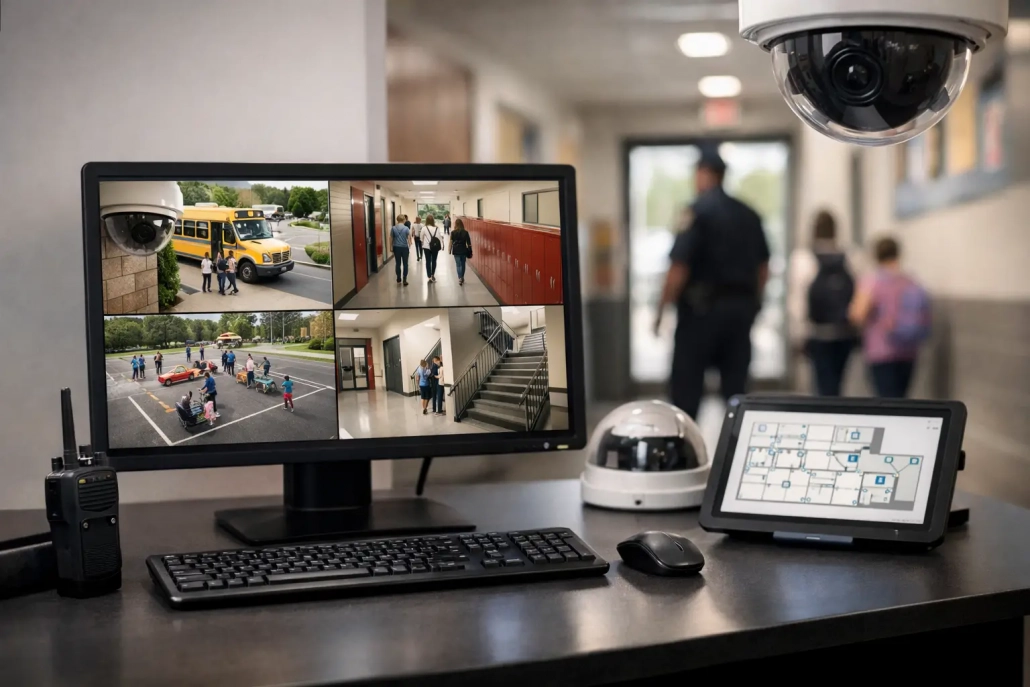
Choosing a School Security Monitoring Platform
The most difficult question during a school incident is often the simplest: Who is on campus right now? A school security monitoring platform gives administrators a faster, more reliable answer by connecting attendance, student movement, visitor activity, and real-time alerts in one operational view. For K-12 leaders, that visibility supports more than emergency response. It improves daily accountability, reduces manual follow-up, and gives staff documented information when decisions must be made quickly.
A camera system can show what happened in a hallway. A security monitoring platform helps schools understand who should be in that hallway, who checked in late, who left class with a pass, and whether a visitor was properly screened. Those functions work best when they support the routines staff already manage every day.
What a School Security Monitoring Platform Should Do
School security is not a single workflow. It is the combined result of accurate arrival records, consistent classroom attendance, controlled movement, visitor documentation, clear communication, and accessible reporting. When those systems live in separate tools or paper binders, staff spend valuable time reconciling records instead of acting on them.
An effective platform brings key accountability data into one place. It should capture attendance at the point of arrival or in the classroom, track tardies and early departures, document hall pass activity, record visitor check-ins, and make information available to authorized staff in real time. The goal is not to create more monitoring for its own sake. The goal is to give school teams a dependable operational record of campus activity.
For a principal, that may mean identifying students who have not arrived after the first bell. For an attendance officer, it may mean resolving absences before they become compliance issues. For a dean, it may mean seeing whether a student has an active hall pass before intervening. For district leadership, it means consistent processes and reporting across multiple buildings.
Start With Daily Accountability, Not a Crisis Scenario
Schools sometimes evaluate security technology only through the lens of a major emergency. Emergency readiness matters, but the platform staff use during an incident must first prove itself during a normal Tuesday morning. If check-in takes too long, teachers avoid it. If reports are hard to find, administrators return to spreadsheets. If records do not match the student information system, confidence in the data disappears.
Daily use creates the data quality that safety teams need later. Accurate arrival scans establish who entered the building. Classroom attendance confirms student location early in the day. Mobile check-ins and digital hall passes document movement after the bell. Visitor monitoring gives front-office teams a clear record of non-student access.
That is why the strongest approach is operational rather than reactive. A school does not build accountability only when something goes wrong. It builds accountability through routines that are easy to follow, fast to complete, and consistently enforced.
Core Capabilities to Evaluate
Real-time attendance and arrival tracking
Attendance remains the foundation of campus accountability. A platform should allow schools to capture attendance in the way that fits their environment, whether that is barcode scanning at entry points, teacher scanning in classrooms, kiosks, or mobile devices. It should distinguish between present, tardy, absent, and early dismissal statuses without forcing staff into duplicate entry.
The timing matters. If attendance is available hours after the school day begins, it has limited value for immediate follow-up. Real-time or near-real-time records allow attendance teams to contact families, identify unaccounted-for students, and address recurring tardiness before it becomes a larger issue.
Student movement and hall pass management
Once students are marked present, schools need visibility into movement during the day. Digital hall pass management can document where a student is going, when the pass was issued, how long the student has been out of class, and whether the student has returned. This gives teachers and deans a shared record without relying on handwritten passes that cannot be reviewed later.
The right level of control depends on the building. An elementary school may need simple teacher-managed passes, while a large high school may need location rules, time limits, and alerts for repeated movement patterns. The platform should adapt to those differences without requiring separate systems for each workflow.
Visitor monitoring and front-office records
The front office is a critical accountability point. Visitor monitoring should support check-in procedures that are consistent, quick, and easy for office staff to document. Depending on school policy, this may include visitor identification details, reason for visit, destination, badge printing, screening status, and checkout records.
Technology cannot replace trained front-office judgment or a school’s visitor policy. It can, however, prevent gaps caused by busy arrival periods, substitute coverage, or incomplete paper logs. When a visitor record is searchable and current, administrators have a clearer picture of adult access to the building.
SIS integration and reliable reporting
A platform must work with the district’s existing student information system rather than create another disconnected database. Student rosters, enrollment changes, demographic records, and attendance codes should flow accurately between systems according to district requirements. Integration reduces clerical work and helps prevent the common problem of staff acting on outdated student information.
Reporting should be useful at both the building and district level. Leaders may need daily tardy reports, student movement history, attendance exceptions, visitor logs, or trend data across campuses. A report is valuable only when the people responsible for action can access it without a technical workaround.
Match the Platform to Your School’s Operating Reality
There is no single configuration that fits every district. A school with one secure entrance has different needs than a campus with multiple buildings, staggered schedules, transportation hubs, career and technical programs, or open lunch policies. The right school security monitoring platform should support standardization where it matters while preserving reasonable flexibility at the building level.
Before selecting a solution, map the actual flow of a school day. Identify where attendance is first captured, who resolves absences, how tardies are handled, how students leave class, how visitors enter, and where staff lose time searching for information. This process often reveals that the biggest need is not another standalone security tool. It is a better connection between existing accountability workflows.
Consider the hardware reality as well. Barcode-based scanning can be highly efficient for high-volume arrival and classroom attendance, but it requires dependable badge practices and scanning devices. Mobile tools give staff flexibility, but they depend on device access, connectivity, and clear user permissions. Kiosk workflows may work well at a main entrance but may not fit a distributed campus. The best choice is the one staff can execute consistently.
Implementation Determines Adoption
Even best-in-class features do not improve safety if staff see them as extra work. Implementation should begin with roles, rules, and training. Teachers need to know how attendance and passes are captured. Front-office staff need a clear visitor process. Administrators need defined escalation procedures. District IT teams need confidence in security, access controls, integrations, and support plans.
Start with the workflows that create the most immediate value. For many schools, that means arrival attendance, tardy management, and real-time classroom attendance. Once those routines are stable, schools can expand into hall passes, visitor monitoring, family notifications, screening, and district-wide reporting.
Training should be practical and role-specific. A teacher needs a fast path to complete a task between classes, not a lengthy technical explanation. An attendance officer needs exception-management tools. A principal needs visibility into trends and accountability reports. Strong implementation partners provide responsive support because school operations cannot pause while a ticket waits for resolution.
SwipeK12 Solutions is built around this all-in-one approach, helping schools combine attendance capture, student tracking, notifications, and campus accountability workflows in a system designed for real school-day conditions.
Measure Results That Matter to School Leaders
A security monitoring investment should produce measurable operational improvements. Schools can track the time required to complete attendance, the percentage of records resolved by a defined time, tardy trends, the volume of unapproved student movement, visitor check-in compliance, and the time needed to retrieve records during an inquiry.
These metrics should not be used only to evaluate staff performance. They should help leaders identify process problems. If one entrance produces inconsistent tardy data, the issue may be staffing or device placement. If hall pass durations rise during certain periods, scheduling or supervision patterns may need attention. If families receive late absence notifications, the attendance workflow may need adjustment.
Data becomes more valuable when it leads to timely, fair action. Schools should establish who reviews each report, what thresholds trigger follow-up, and how records support communication with students and families. Consistency matters because accountability systems lose credibility when rules are applied unevenly.
Protect Privacy While Improving Visibility
More visibility must come with responsible data stewardship. Student movement, attendance, and visitor records are sensitive operational information. Districts should evaluate user permissions, audit trails, data retention practices, authentication controls, and procedures for sharing reports. Staff should see the information needed for their role, not every record in the system.
Privacy and usability do not have to compete. Clear permissions can make a platform easier to use by reducing clutter and preventing staff from navigating data that does not apply to their responsibilities. The right system gives authorized decision-makers useful information quickly while supporting district policy and student privacy obligations.
The practical test is simple: when the first bell rings, can your team see who has arrived, resolve what is missing, manage movement throughout the day, and document access without slowing down instruction? A platform that answers those questions reliably gives school leaders a stronger foundation for safety, accountability, and everyday confidence.


Leave a Reply
Want to join the discussion?Feel free to contribute!