
Top K-12 Visitor Screening Systems Compared
A visitor standing at the front office should not create uncertainty for the people responsible for campus safety. The top K-12 visitor screening systems help schools verify who is entering, document why they are there, and give office staff a clear process they can follow during the busiest part of the day.
For districts, the decision goes beyond printing badges. The right system must work across different buildings, support appropriate screening practices, protect sensitive information, and fit the reality of a school office where staff may be answering phones, receiving students, and managing early dismissals at the same time.
What Makes a Visitor Screening System Worth Considering?
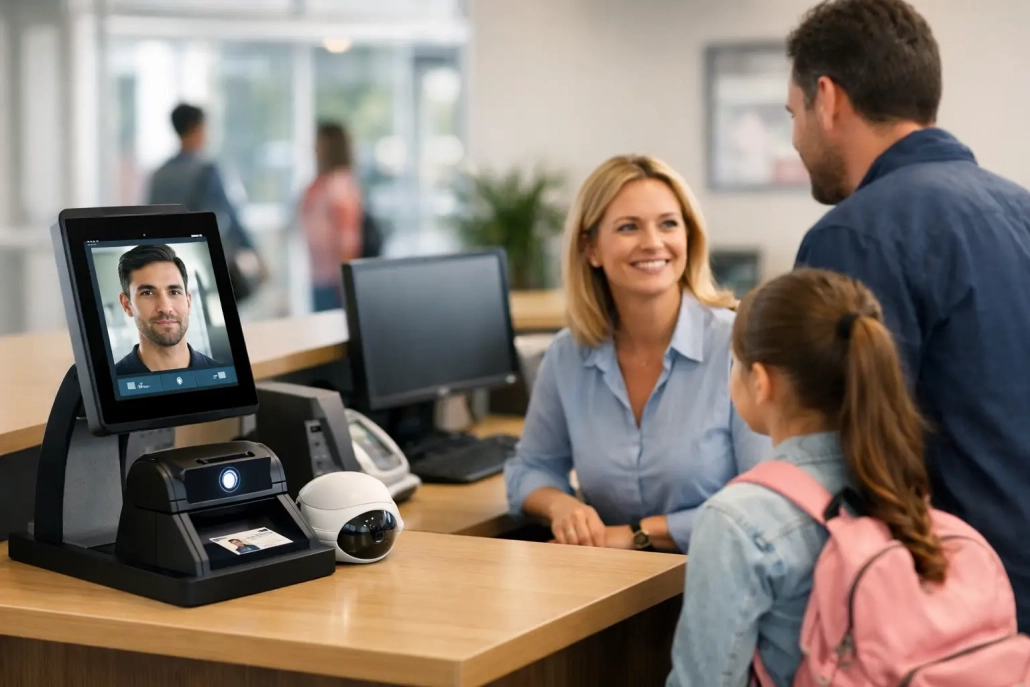
A visitor management platform should establish a consistent check-in process without making every family member or volunteer feel like a problem to be solved. Most systems begin by capturing a visitor’s name and photo identification, then comparing that information against available safety databases or district-defined watch lists. If a concern appears, the system should clearly tell staff what to do next.
That sounds straightforward, but implementation quality matters. A system that is difficult to use may be bypassed during morning arrival, lunch deliveries, school events, or conferences. A system that creates too many unclear alerts can slow the office down and reduce confidence in the process. The best fit is one that supports quick, repeatable decisions while preserving administrator control over policies and exceptions.
Schools should also separate visitor screening from general building access. A visitor check-in system documents presence and screening status. Electronic door access controls whether a door opens. Some providers connect both functions, while others specialize in one. A combined approach can be valuable, but it also may increase hardware costs and require more coordination with facilities and IT teams.
Top K-12 Visitor Screening Systems to Evaluate
There is no single best platform for every district. A large, multi-campus district may prioritize centralized reporting, integrations, and role-based administration. A single school may need a dependable kiosk workflow that staff can launch quickly with limited technical overhead. The following systems are commonly considered in K-12 visitor management evaluations.
Raptor Visitor Management
Raptor is widely known in K-12 for visitor screening and school safety workflows. Its visitor management tools are designed around ID scanning, badge printing, visitor records, and alerts based on screening criteria selected by the school or district.
Raptor can be a strong option for schools that want a visitor-focused platform with a recognizable K-12 footprint. District leaders should confirm how local screening policies, volunteer workflows, custody alerts, and event check-in needs will be configured. They should also evaluate the administrative work required to keep information accurate across campuses.
Verkada Guest
Verkada Guest is often evaluated by schools looking to connect visitor management with a broader physical security environment. It can be especially relevant where a district is already considering or using Verkada cameras, access control, or intercom systems.
The potential advantage is greater visibility across security operations. The trade-off is that schools should assess whether the broader hardware ecosystem fits their budget, procurement requirements, network standards, and long-term security strategy. A visitor management tool should improve front-office operations, not force a district into a larger technology commitment it does not need.
LobbyGuard
LobbyGuard provides visitor management features that can include ID scanning, badge printing, self-service check-in, and reporting. Its focus on front-desk workflows may appeal to schools that need to replace handwritten logs with a more accountable process.
When evaluating LobbyGuard or similar kiosk-centered systems, test the process during real school conditions. Can staff override an entry when an ID will not scan? Can a substitute office employee understand the alert process? Can the school distinguish a parent picking up a student from a contractor who will be on campus for several hours? The answers determine whether the platform improves operations or simply digitizes a bottleneck.
SchoolPass
SchoolPass is particularly relevant for schools looking at visitor screening alongside dismissal and carline operations. This broader operational focus can be useful when arrival, dismissal, visitor management, and student release procedures need to work together.
The fit depends on the problem a school is trying to solve. If dismissal accountability is a major concern, an integrated approach may bring real value. If the immediate need is limited to visitor screening, leaders should compare the system’s total scope and cost against a more focused visitor platform.
Ident-A-Kid Visitor Management
Ident-A-Kid is another option schools may encounter when seeking ID-based visitor check-in, badge printing, and recordkeeping. It can make sense for campuses that want a straightforward screening process and a clear replacement for paper logs.
As with any vendor, confirm how alerts are handled, what reports are available at the building and district levels, and whether the system can support special events. A platform that works well for ten daily visitors may need a different setup for a school performance, volunteer day, or parent-teacher conference night.
SwipeK12 Visitor Monitoring
For districts that need visitor monitoring as part of a wider accountability strategy, SwipeK12 can be evaluated alongside standalone visitor systems. Its all-in-one approach is designed to support school operations across attendance, student movement, notifications, screening, and campus monitoring.
This model is especially worth considering when a district wants front-office data to work alongside other daily workflows rather than sit in a separate system. The key question is whether the platform can be configured to match each building’s procedures while still giving district leaders consistent, real-time oversight.
Compare Systems by Workflow, Not Just Features
Feature lists often make competing systems look nearly identical. Nearly every platform can scan an ID, print a badge, and retain a visitor record. The meaningful differences appear in the workflow around those features.
Start with check-in speed. Staff should be able to complete a normal visitor check-in quickly, with clear prompts and minimal manual entry. Ask vendors to demonstrate a first-time visitor, a returning parent, a volunteer, a contractor, and a visitor whose ID cannot be scanned. Those five scenarios reveal much more than a polished product tour.
Next, examine alert handling. An alert should not be treated as an automatic judgment. The system should give authorized staff enough information to follow district policy, escalate when needed, and document the outcome. Districts should define who receives alerts, what happens after hours, and how staff will handle situations involving similar names or incomplete records.
Reporting matters after the visitor leaves. School leaders may need to confirm who was on campus during an incident, review volunteer history, document contractor access, or validate compliance with local procedures. District administrators need reporting that is useful without exposing sensitive data to people who do not need it.
Finally, consider the connection to existing systems. A visitor platform does not always need deep SIS integration, but it should not create conflicting records or duplicate work. If the school uses a student information system, attendance platform, access control system, or emergency management tool, ask precisely what information moves between platforms, how often it updates, and who owns support when an integration fails.
Privacy and Policy Need Equal Attention
Visitor screening involves personal information, including identification details, photos, visit history, and potentially sensitive alert information. Schools should evaluate data retention settings, user permissions, audit logs, hosting practices, and procedures for responding to records requests.
Just as important, the district should write operational rules before launch. Decide which visitors must present ID, whether badges are required in every building, how volunteers are approved, how vendors and contractors are handled, and what staff should do when a visitor refuses screening. Consistency protects staff from having to make policy decisions at the counter.
Training should include more than a login demonstration. Front-office teams need scripts for explaining the process respectfully, clear escalation paths, and practice with exceptions. Principals should ensure that the system supports a welcoming school culture while maintaining a controlled campus environment.
Make the Pilot Reflect a Real School Day
A short pilot is one of the best ways to choose among visitor screening systems. Test the system in a high-traffic building and include office staff, school safety personnel, administrators, and IT. Measure average check-in time, alert response clarity, badge quality, reporting usefulness, and the number of times staff need help.
Do not judge success only by whether the software turns on. Ask whether it reduces reliance on paper logs, gives staff confidence during an alert, and creates a reliable record of campus visitors without adding friction to the school day. The right system should make the safest process the easiest process to follow.


Leave a Reply
Want to join the discussion?Feel free to contribute!